

Sales Development

Lauren Daniels
June 25, 2026

Prospecting websites are where you discover and research target companies. Prospecting tools automate the process of finding contact data for people at those companies. Most B2B teams need both. Free starting point: Crunchbase (company data, funding rounds) paired with Inc. 5000 (proven 3-year revenue growth). For targeted discovery, use BuiltWith if you sell based on technology stack, Capterra or G2 for industry verticals, and job boards (Indeed, Glassdoor) or Wellfound for hiring signals indicating budget in motion.
The mistake most reps make is paying $500 per month for a database when they need a $0 discovery source plus a verification layer. Coverage gaps between providers are real. An analysis showed little overlap in mid-market companies across Lusha, Apollo, ZoomInfo, and Cognism. Three-step workflow: (1) discover target companies on free B2B prospecting websites, (2) build an account list with 200+ targets, (3) verify email addresses before sending (bounce rates above 5% damage domain reputation).
Compliance basics: CAN-SPAM applies to all commercial email, with penalties up to $53,088 per violation. Verify every address and keep bounce rates below 4-5%. For teams combining discovery with contact verification, pairing free prospecting sources with a data verification service returns better results than relying on a single expensive database.

You have got a target account list forming in your head. You have zero emails, zero phone numbers, and no budget until next quarter.
Most guides to prospecting websites are just 20 SaaS tools with affiliate links. What you actually need are real websites you can browse right now for free to find companies worth selling to, then a practical way to turn those company names into verified contacts.
Here is the distinction that saves reps time and money: B2B prospecting websites are places you browse to discover and research target companies. Prospecting tools are software that automates the finding of contact data for people at those companies.
Most teams need both. Confusing the two is how reps end up paying $500 per month for a database when they really needed a $0 directory plus a verification layer.
Here is what happens in most sales orgs: a rep gets a list, opens their email client, and starts typing. They have no research, no context, and no idea why they are reaching out to this person.
It gets deleted. The flip side: a rep finds a company through free research, understands why that company is relevant right now, and opens with a specific reason for reaching out. That email gets opened.
The difference is not your email subject line. It is the research that comes before you hit send.
Free lead generation websites give you the intelligence to know who matters right now. Then you verify the contact and reach out with relevance.
Before you pick a website, understand where it fits in your process:
Stage 1: Discover: Find companies worth selling to using free B2B prospecting websites. Stage 2: Build: Turn that discovery into a target account list (200+ companies)
Stage 3: Verify: Convert company names into verified email addresses before outreach
Most reps skip stage 1 entirely. They assume their database already contains the right companies. Usually, it does not.
Not every prospecting website gives you the same kind of intelligence. Some tell you who just raised funding. Others tell you who is hiring aggressively or running your competitor's software. Choose based on the buying signal that actually matters to your market.
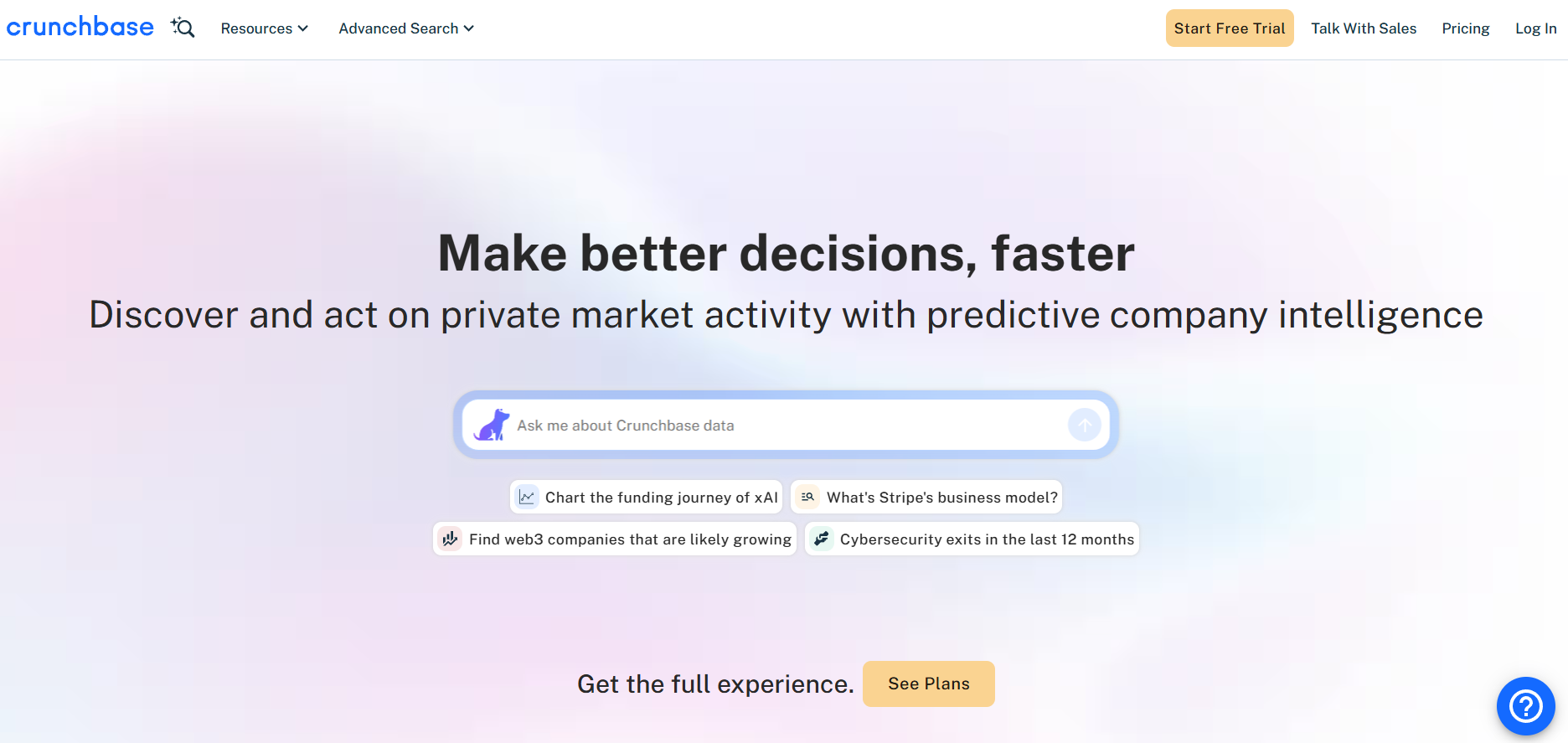
What it shows: Funding rounds, investor relationships, company stage, leadership team
Best for: Selling into venture-backed companies, tools for growth-stage firms, recruiting into portfolios
Best for avoiding: Bootstrapped SMBs, local businesses, companies without institutional funding
Crunchbase covers 4 million-plus private companies. The free tier lets you browse company profiles and funding rounds without paying a cent. Pro runs $49 per month (billed annually) with 2,000 row exports, or $99 per month month-to-month. The business tier is $199 per month with 5,000 exports and CRM integrations.
Workflow: Search for companies that raised Series A or B within the past 90 days in your target industries. Filter by investor or geography. Export a list of 100-200 companies. These are in hiring and investment mode, and the budget just moved.
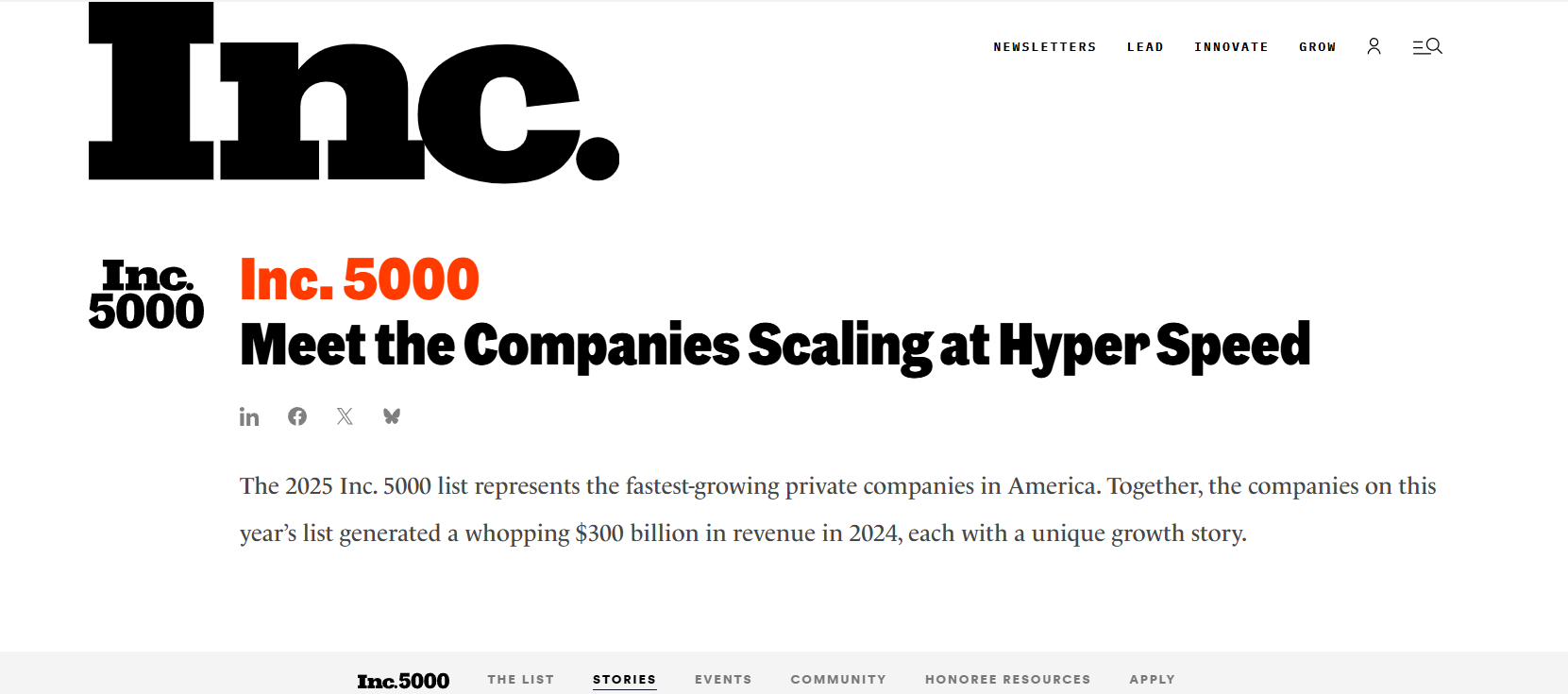
What it shows: Three-year revenue growth (minimum 300% typical), company ranking, industry classification
Best for: Selling into companies actively scaling, solutions for growth-stage operations, tools that benefit from headcount expansion
Best for avoiding: First-year startups, companies without proven revenue, early-stage ventures
The Inc. 5000 ranks the fastest-growing private companies in the US by percentage revenue growth over three years, with a minimum of $100K in base-year revenue and $2M by the final year. Every company on the list passed editorial review. It is free to browse on inc.com.
Inc. does not provide a built-in CSV export of the full list, but third-party CSVs circulate on Gumroad for $20-50. The real value is the signal. A company that grew 300% in three years is usually hiring, investing, and buying tools.
Workflow: Browse the Inc. 5000 list, filter by industry, and note companies in your target sectors. A company with that growth trajectory is opening new locations, expanding teams, and evaluating new systems. Outbound timing is strong.
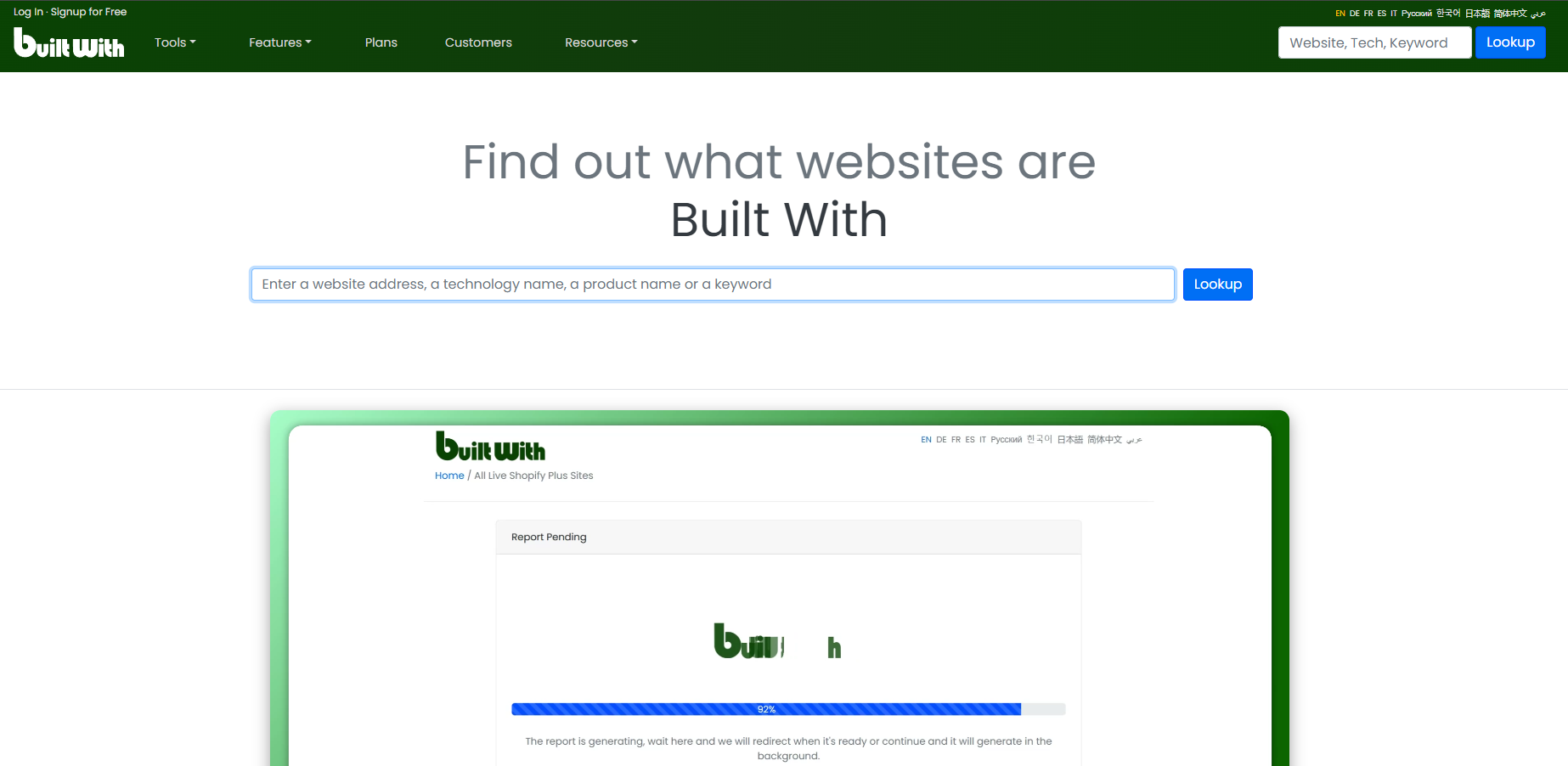
What it shows: Web technologies in use (34,282+ tracked), tech stack by category, company count running each tool
Best for: Selling a replacement tool, integrating with specific platforms, targeting companies running outdated infrastructure
Best for avoiding: Tight budgets, SMBs without complex tech stacks, situations where technology is not a buying signal
BuiltWith tracks 34,282+ web technologies and lets you build lists of companies using specific tools. Basic runs $295 per month for just 2 technology lists. Pro is $495 per month for unlimited reports.
It is expensive for what it is, but if your entire prospecting motion depends on knowing who runs Salesforce versus HubSpot, nothing else comes close.
Workflow: Use BuiltWith to identify companies running your competitor's software. Build a list and reach out with migration messaging. Or find companies running outdated CMS versions and pitch the modern alternative.
What it shows: Software vendors and reviews by category, buyer research, implementation guides
Best for: Identifying software categories, finding vendors in a niche, understanding buyer language in your space
Best for avoiding: Relying on this as your only prospecting source, expecting complete coverage of all companies
Both Capterra and G2 are free to browse and are useful for identifying vendors and products in a specific vertical. Capterra covers 700-plus industries.
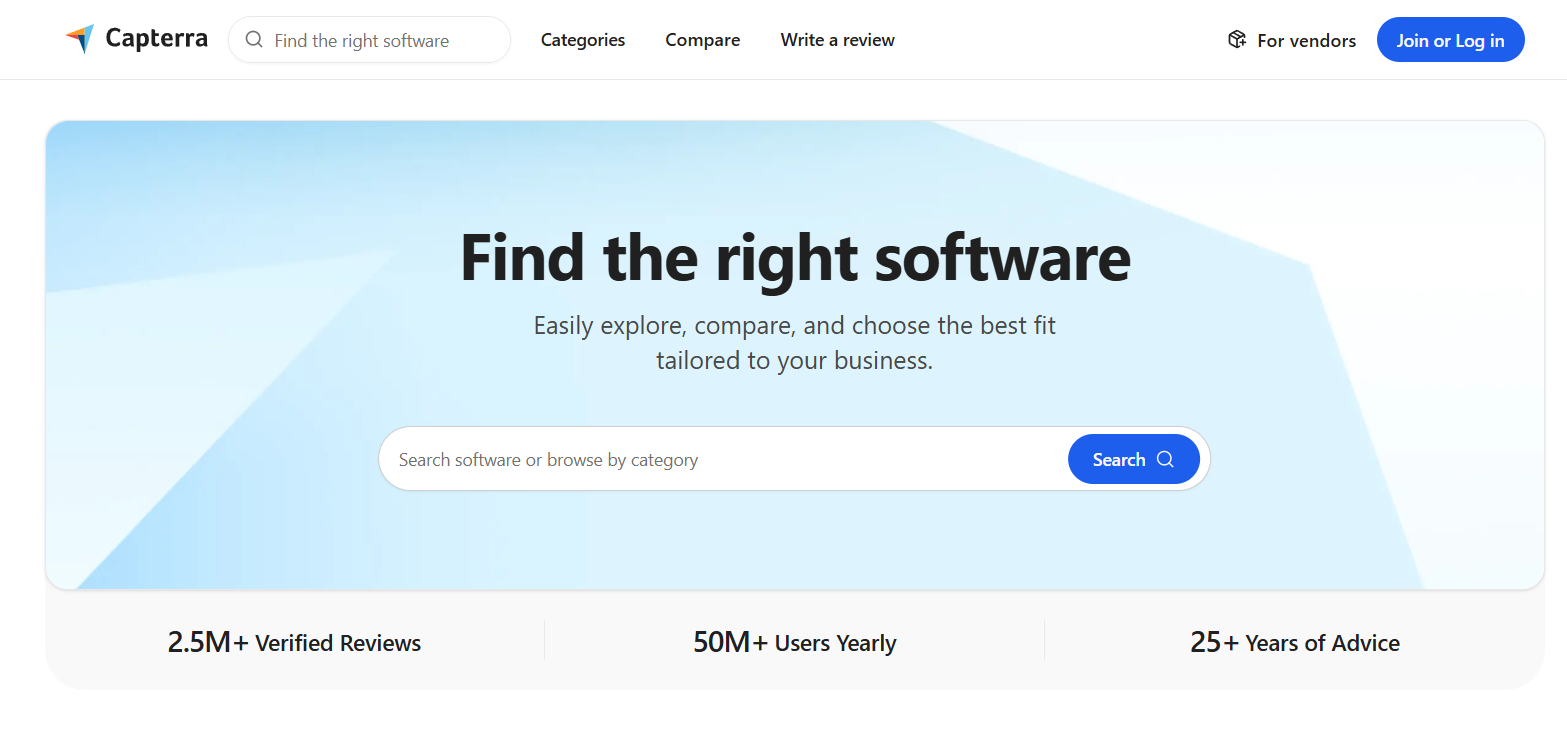
But let us be honest: these are vendor-funded marketplaces. Listings skew toward vendors that invest in marketing. You will not find every bootstrapped startup here.
Workflow: Use these to understand what vendors are selling into your target market, what language buyers use, and what feature sets matter in that vertical. Then source companies manually or through other discovery sites.
What it shows: Active job openings by role and company, team expansion patterns, funding stage (Wellfound)
Best for: Identifying budget in motion, selling to companies expanding specific functions, timing outreach with hiring cycles
Best for avoiding: Nothing, these are genuinely underrated as prospecting signals
A company hiring five SDRs is expanding its sales org, new tools, new processes, and budget in motion. Browse Indeed or Glassdoor filtered by role type and company size. Free to browse.
For startup discovery, Wellfound (formerly AngelList) has a large startup directory, and profiles often include team size and funding details. Product Hunt is worth a weekly scan too. Newly launched companies are often in buying mode for their first stack of tools.
If your deal size is under $15k, these free lead discovery sites will outperform any $500 per month prospecting database. The signal quality from a company actively hiring for the role you sell into beats a static firmographic filter every time.
Workflow: Search for companies hiring for roles your product serves (sales, operations, finance). Reach out to hiring managers and introduce your solution as a way to help them ramp the new team faster. Timing matters because they are in buying mode.
Here is where most free prospecting workflows break down.
One Reddit thread captured the problem perfectly: a user pulled the same 500 target accounts from Lusha, Apollo, ZoomInfo, and Cognism and found almost no overlap on mid-market companies. Coverage gaps between providers are real. An account list returns completely different contacts across tools depending on which database you use.
This means: if you rely solely on one contact database, you are missing 40-60% of qualified prospects.
The solution: Pair multiple discovery sources (Crunchbase plus Inc. 5000 plus job boards) to build a richer account list. Then use a contact verification service to fill in the email addresses and phone numbers.
Once you have identified target companies from Crunchbase, Inc. 5000, or BuiltWith, consolidate them into a single list. You should have 100-300 target companies depending on your ICP specificity.
Export these to a spreadsheet. Use simple column headers: Company Name, Industry, Location, Key Signal (e.g., Series B funded, 300% growth, hiring for VP Sales).
This list is your foundation. It costs nothing and beats any pre-built database because it reflects your actual ideal customer profile, not someone else's assumptions about your market.
This is where discovery breaks down without execution.
You have 200 target companies and zero email addresses. You cannot send personalized outreach to companies. You need to reach people at those companies.
An analysis of 4,500+ sales subreddit comments confirms reps most commonly pair Apollo or Clay with free discovery sources.
The workflow:
Bounce rates above 5% damage your domain reputation, and that damage compounds. Once mailbox providers flag your domain, even your good emails start landing in spam.
CAN-SPAM applies to all commercial email, including B2B, with penalties up to $53,088 per violation. You must include a valid physical address and honour opt-out requests within 10 business days. Gmail and Yahoo enforce a 0.3% spam complaint threshold for bulk senders.
Quick compliance checklist:
Teams using a multi-step verification process typically keep bounce rates under 4%.
Go for free discovery if:
Combine free discovery with paid verification if:
Buy a full prospecting database if:
Most mid-market sales teams find a sweet spot: free discovery sources for account research, plus a contact verification tool for turning company names into verified outreach. Total cost: $0-50 per month depending on volume.
For SDRs executing outbound campaigns, this framework removes guesswork from prospecting.
Instead of spray and pray to a pre-built list, SDRs research actual buying signals, company growth, funding, hiring, and tech stack changes. They build an account list that reflects what they actually sell. They verify contacts before reaching out.
The result: higher open rates, higher conversion rates, fewer bounces, better domain reputation, more pipeline.
Prospecting websites do not generate leads by themselves. They are research tools that feed into your outreach process. Combined with contact verification and training on how to reference the signals you found, they turn cold outreach into informed conversation.